
Controls
Settings and Controls
Controls
Let's create a page to cover the available controls in BasisVR
Keyboard Shortcuts
-
F9: switch to Desktop
-
F10: switch to OpenXR
-
F11: Switch to OpenVR
Help with Debugging
-
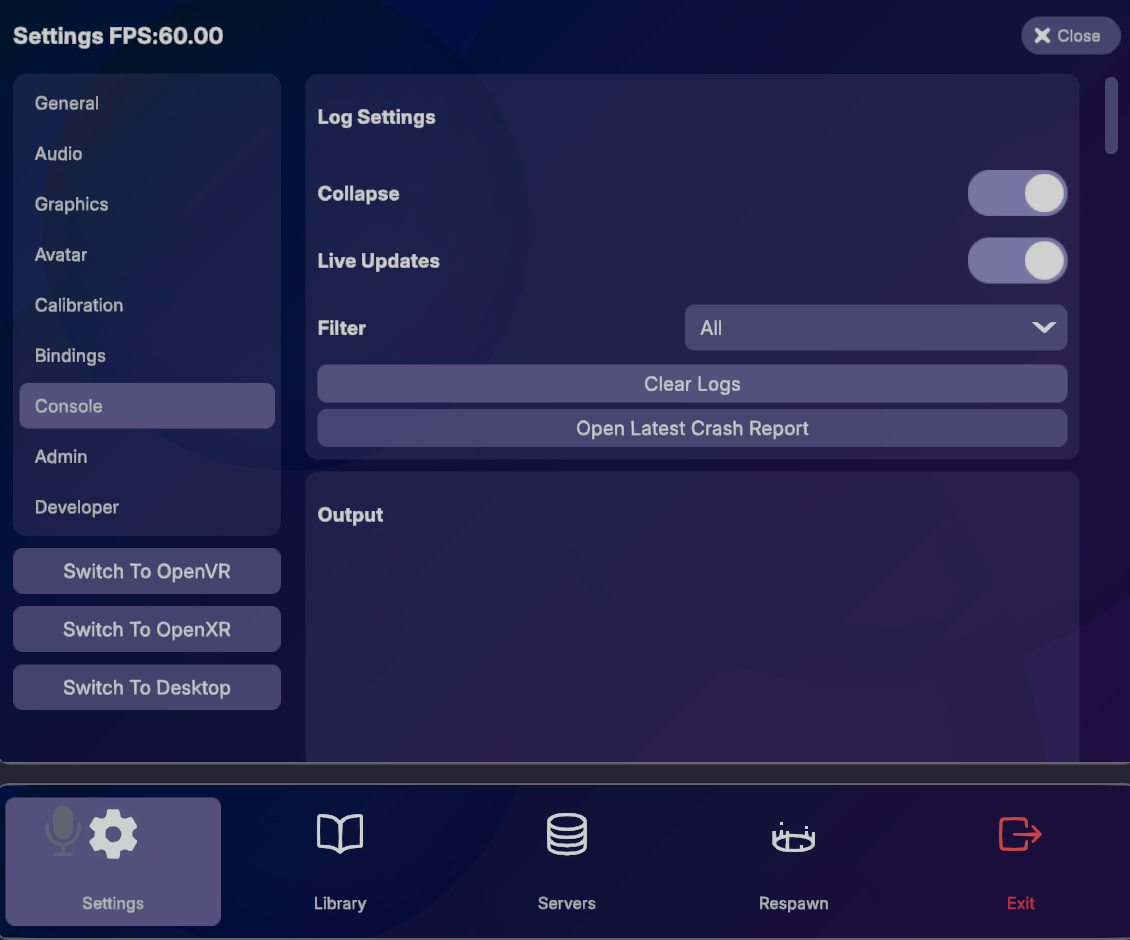
You can use BasisDebug.Log("<your-log-message-here>"); to print output to the Basis app's in-game console menu.
-
You can also view the
Player.logfile located inIt provides a more comprehensive log of the exact Unity issues encountered while playing. This includes stack traces such as the exact line a nullreference error might have come up in.%USERPROFILE%\AppData\LocalLow\Basis Unity\Basis Unity~/.steam/steam/steamapps/compatdata/3157090/pfx/drive_c/users/steamuser/AppData/LocalLow/Basis Unity/Basis Unity/ This depends on the proton using the steamid of the selected app, building in editor will be in a different location.
Where Are Library Items Stored?
- The
ItemKeyStore.json, located instores a mapping of the avatars, worlds, and props currently contained in your library.%USERPROFILE%\AppData\LocalLow\Basis Unity\Basis Unity~/.steam/steam/steamapps/compatdata/3157090/pfx/drive_c/users/steamuser/AppData/LocalLow/Basis Unity/Basis Unity/ This depends on the proton using the steamid of the selected app, building in editor will be in a different location.
Within the codebase, you can also find there is an EmbeddedItems class containing library items that are embedded into the application.