
Avatar Shaders
URP Compatible Avatar Shaders
Universal Render Pipeline/Lit (Unity License)

Poiyomi [Free Version](MIT License) by Poiyomi
- https://discord.gg/poiyomi #urp-release
lilToon (MIT License) by lilxzw
MToon (MIT License) by UniVRM
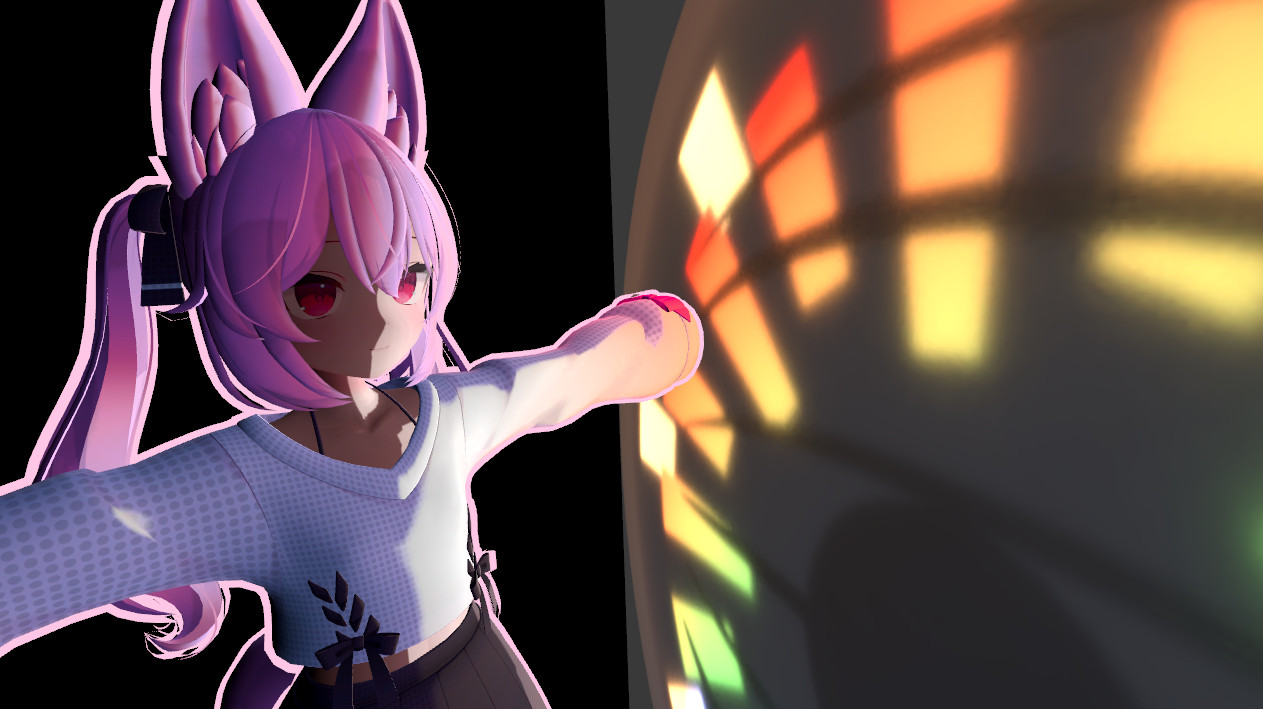
Sakura Shader (Subscription) by Hyeve
These are known to be working/compatible at the time of the latest documentation update.
How to Make Avatars Which Use Poiyomi Shaders Work in BasisVR/URP
Many avatars use Poiyomi shaders which originally only worked with Unity's Built-in Render Pipeline (BIRP). However, now, Poiyomi shaders are also supported to work with Unity's Universal Render Pipeline (URP), which is the render pipeline used for BasisVR.
Poiyomi shaders support for URP is still in beta. If you have an avatar that was originally designed using BIRP Poiyomi shaders, you can easily convert them to be URP-compatible by following the steps below. To demonstrate how, this example uses uses Hatsune Miku by Tomarudo.
-
Download the latest release from https://discord.gg/poiyomi #urp-release.
-
Import your character into the Unity scene. If it the shader looks different from what's expected (e.g., its colours are missing or it has a magenta colour due to missing shaders or similar), you will need to make just a few tiny adjustments to fix things.
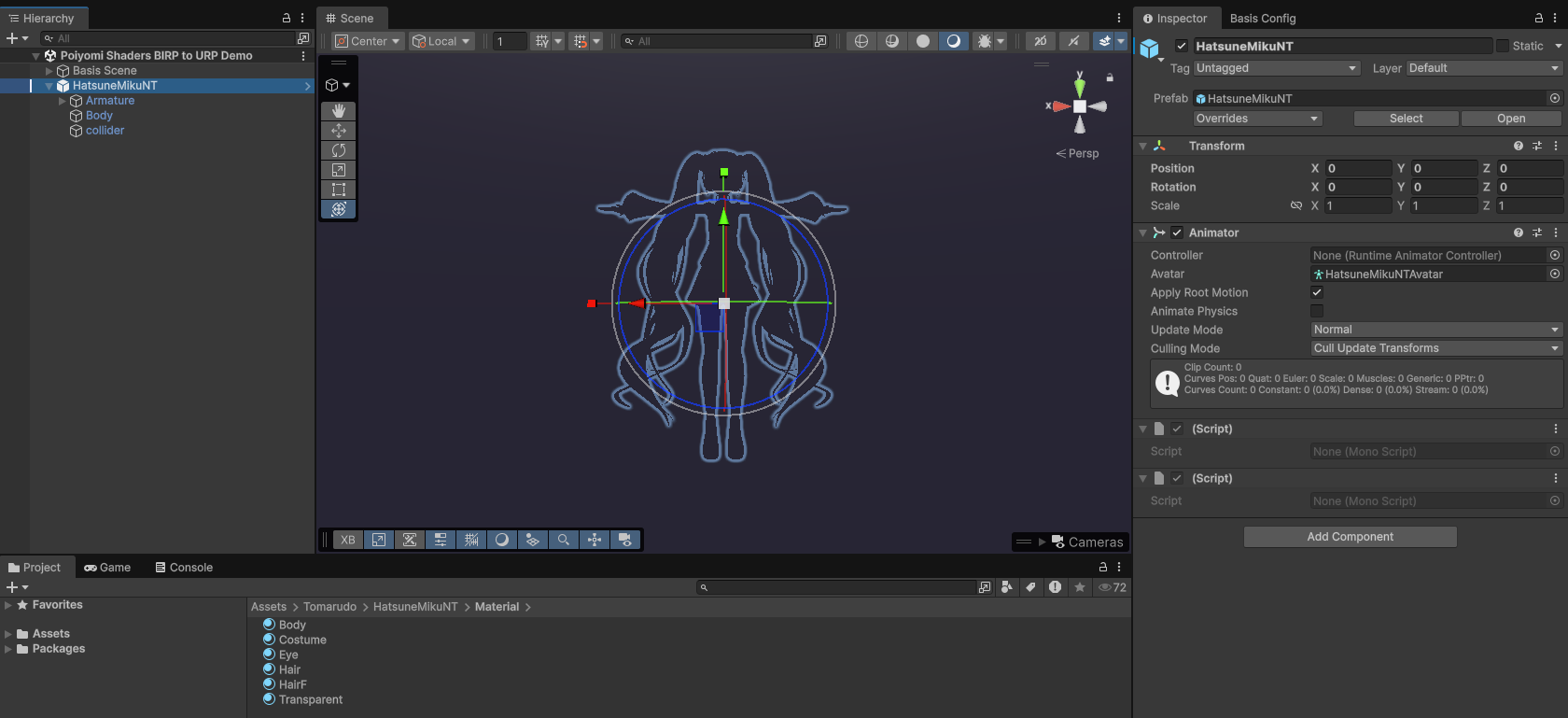
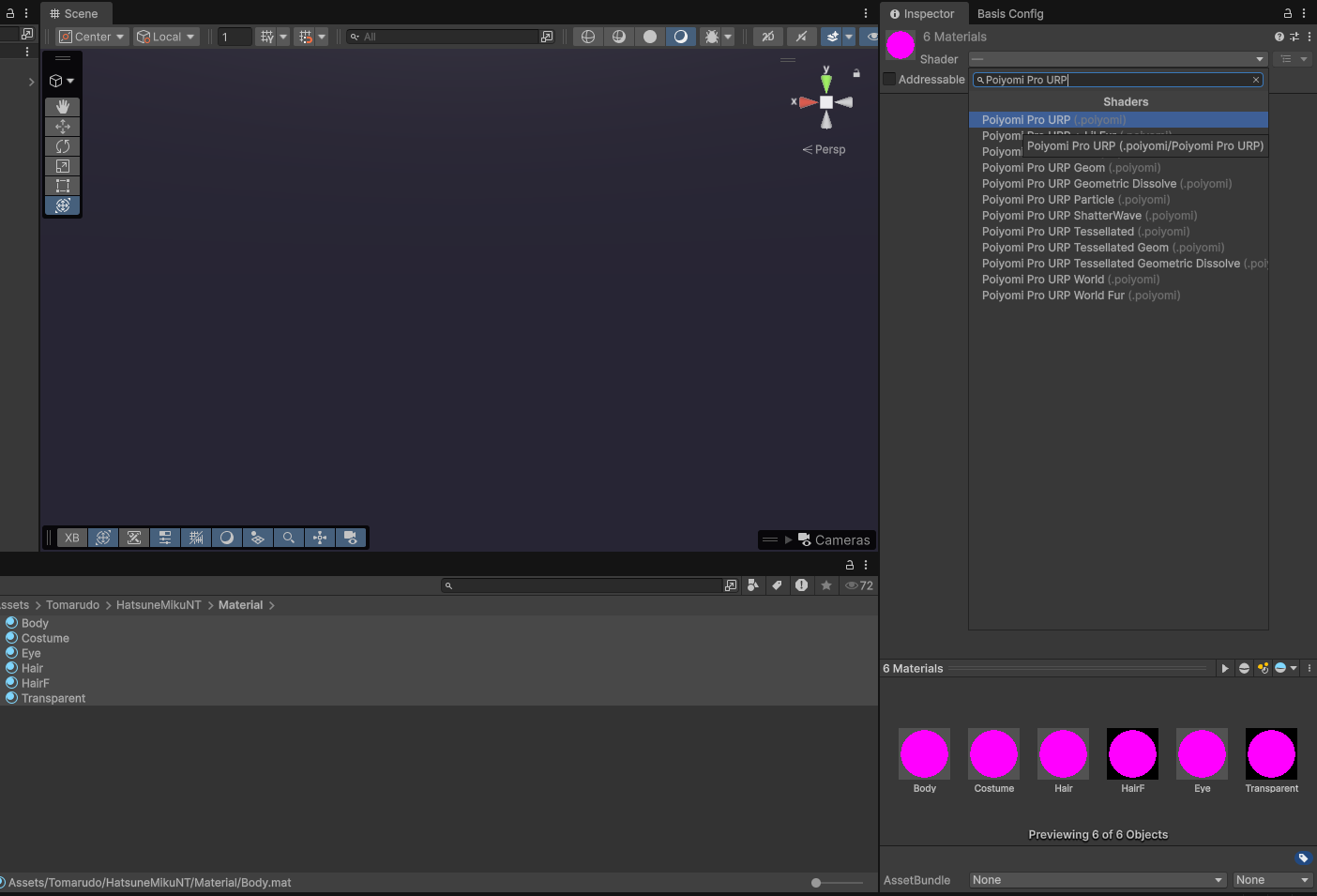
- Select each material in your avatar's folder and change its shader to use Poiyomi Pro URP.
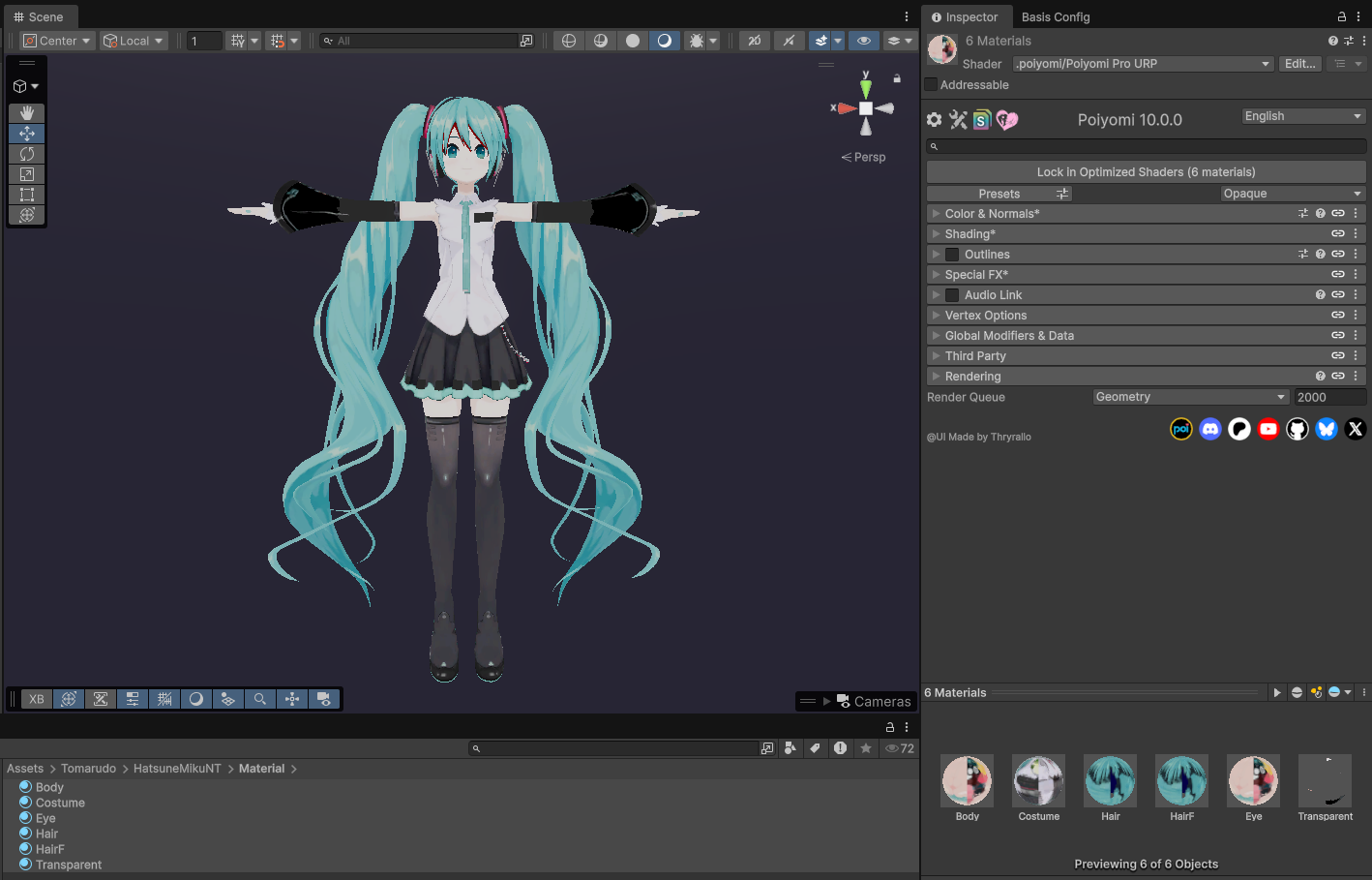
- After making the changes, your avatar should render as expected.
Poiyomi shaders for URP is compatible with both PC and Android devices.